


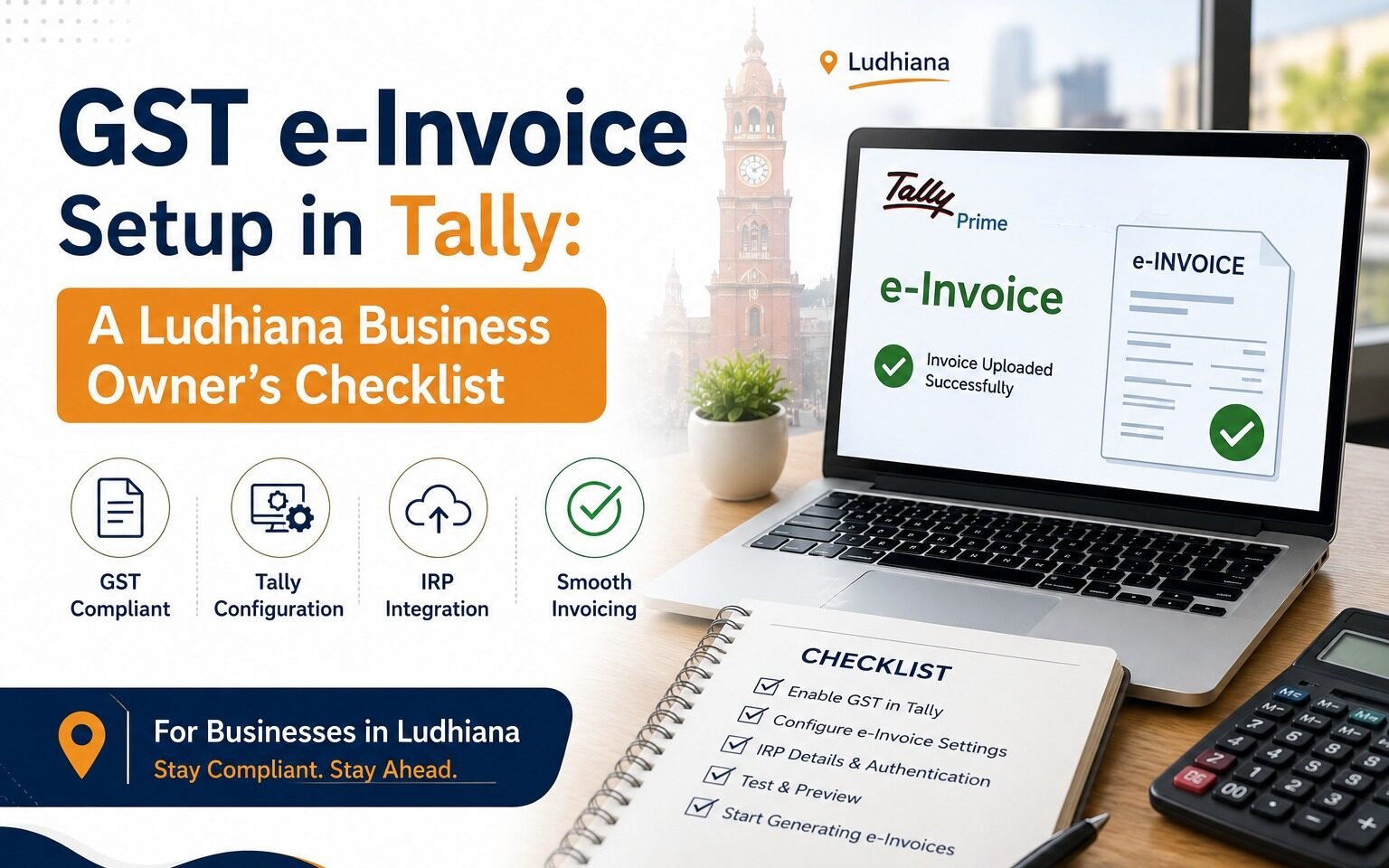
GST e-Invoice Setup in Tally: A Ludhiana Business Owner’s Checklist
If you’re a Ludhiana business owner rolling out GST e-Invoicing in Tally, you’re not alone in finding the process trickier than it should be. Most of the errors we see aren’t caused by the software — they’re caused by missed configuration steps. Here’s the checklist we walk our clients through to get it right the first time.
Start With Your GSTIN and Business Details
Before you enable e-Invoice in Tally, double-check that your GSTIN, legal business name, and registered address are entered correctly and match your GST registration exactly. Even small mismatches — an abbreviation, a missing suffix — can cause validation failures down the line.
Run a Test Invoice First
Don’t go live on your first real invoice. Generate a sample invoice and push it through the e-Invoice validation flow to catch formatting issues — incorrect HSN codes, unit mismatches, or missing mandatory fields — while there’s no real transaction on the line.
Train Your Team on the New Validation Steps
Most e-Invoice errors we troubleshoot for clients come down to a missed field, not a software bug. Walk your billing team through exactly which fields are now mandatory and where the IRN and QR code appear once an invoice is validated.
Getting e-Invoice setup right the first time saves hours of reconciliation later. If your team wants a hands-on walkthrough tailored to your Tally version, GN Solutions is here to help.
Contact GN Solutions today for a free e-Invoice setup review.